The Rise of AI Infographic Generators: Smarter Visual Storytelling for Everyone
A good infographic does in seconds what a page of text struggles to do in minutes. It shows how parts relate, which steps come first and where the important numbers sit. For…
· 2 min read
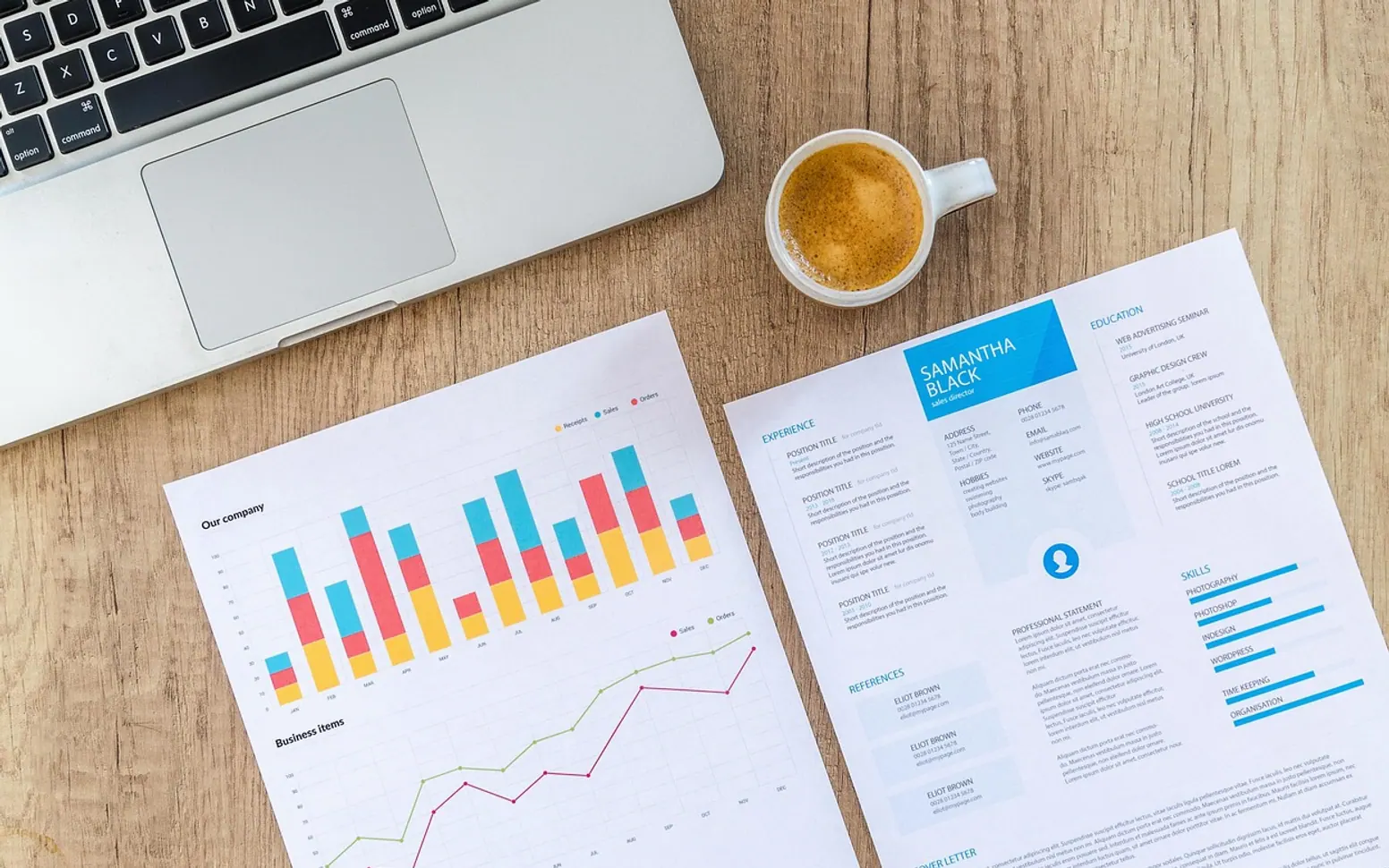
A good infographic does in seconds what a page of text struggles to do in minutes. It shows how parts relate, which steps come first and where the important numbers sit. For a long time, though, producing one meant either learning design software or waiting in a queue for a designer. AI-assisted generators have changed that, letting people with clear ideas but little layout experience build visuals that are tidy enough to publish.
From rough notes to a finished graphic
Most tools follow a similar pattern. The user pastes in text, a list of points or a small table of figures and describes the kind of visual they need, such as a timeline, a comparison or a process. The software proposes a layout, picks icons and colours, and arranges the content into sections. From there the user edits wording, swaps icons, adjusts the palette to match a brand and exports the result.
Tools like an AI infographic maker are especially handy here, because they can produce scalable graphics that stay sharp in a slide deck, on a printed handout or on a high-resolution screen.
Who is using them
| User | Typical use |
|---|---|
| Small businesses | Explaining a service, a price structure or an onboarding process |
| Teachers and trainers | Summarising a lesson or showing a sequence of steps |
| Marketing teams | Turning a long article into a shareable summary |
| Internal teams | Presenting project status or a new policy at a glance |
The common thread is speed. A first draft that once took an afternoon can now be ready in minutes, which leaves more time for the parts that need human judgement.
Keeping the content trustworthy
Automation makes it easy to produce something that looks authoritative even when the underlying content is weak. A few checks help:
- Verify every number. The tool arranges data; it does not confirm that the data is correct or current.
- Check proportions. Bars, circles and icons should reflect the actual values, not just look balanced.
- Cite sources in small print when figures come from someone else's research.
- Read the text aloud. Short labels can lose meaning; make sure each one still says what you intend.
Design habits that still matter
Even with AI doing the layout, some old-fashioned rules separate a graphic people understand from one they scroll past. Limit each infographic to one main message. Use a clear reading order, usually top to bottom or left to right. Keep colours consistent, with one accent for the most important point. Make sure text contrast is high enough for people with weaker eyesight and that the graphic still works when viewed on a phone.
Accessibility deserves a final thought: wherever the infographic is published, add a short text summary or alt description so readers using screen readers receive the same information. With those habits in place, these generators become a practical way for almost anyone to communicate ideas visually.
Odd jobs
Quick wins around the house and the drive
Little jobs that save a headache later on.
Date your money check
Write the date on every net worth or budget sheet so next year's version compares fairly.
Keep a gauge in the glovebox
A personal tire gauge costs little and is often steadier than a forecourt one.
Restart before you ring
Many picture freezes clear once the router and the box have been switched off and on again.
Read the door placard
Your car's correct tire pressures come from the maker, not from the sidewall.
Desk rules
Rules of thumb behind our checks
A few principles that shape what reaches the page.
A vehicle handbook outranks any general car guide, ours included.
Credit scoring differs between countries and between agencies, so no single score explains every file.
Book values on a balance sheet can sit a long way from what an asset would actually sell for.
Apps and set-top boxes rearrange their menus often, which makes the provider's own help pages the freshest source.
A figure that depends on your lender, your car or your country is better looked up at the source than copied from an article.